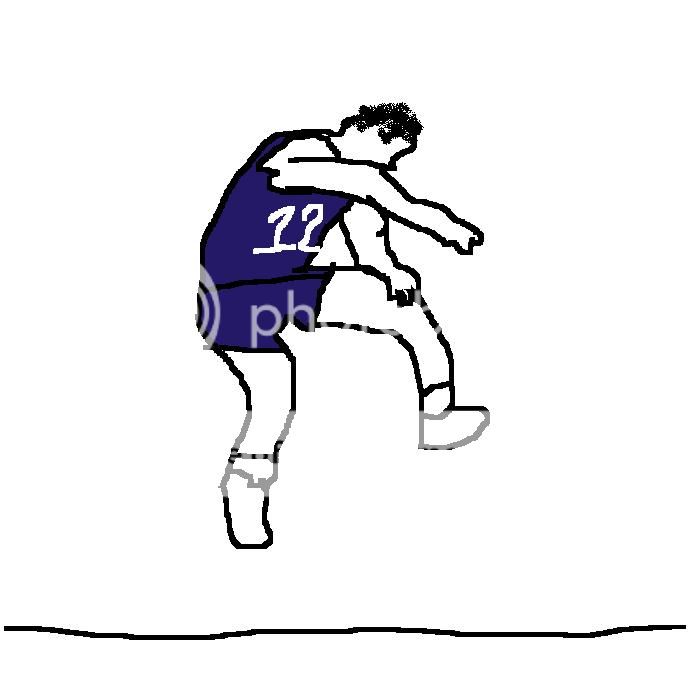
So I used the magnetic lasso tool to trim out the image. It didn't do a perfect job so I had to go back to the silhouette later and redraw some of the missing Malone bits. Once the photo was trimmed I adjusted the output levels to make the image all black. Image>Adjustments>Levels>drug the Output Level from balanced to all black. Then I redrew some of the image to make it look a little better with a black brush - this took the most time. Finally, I used the paintbucket tool and filled in the entire image to make it all Jazz blue.
If it gets picked, I may take it into illustrator, trace it and make it a vector file so it's higher quality. If you zoom in now it's get's pixelated, but maybe the logo is big enough for the site that it doesn't matter. I like using photoshop but never taught myself how to balance quality, image size, etc.
Anyway, I'm pretty sure that's what I did. Are you learning photoshop for fun, or do you use it for work as well?